This post originally appeared on mission-information.org.
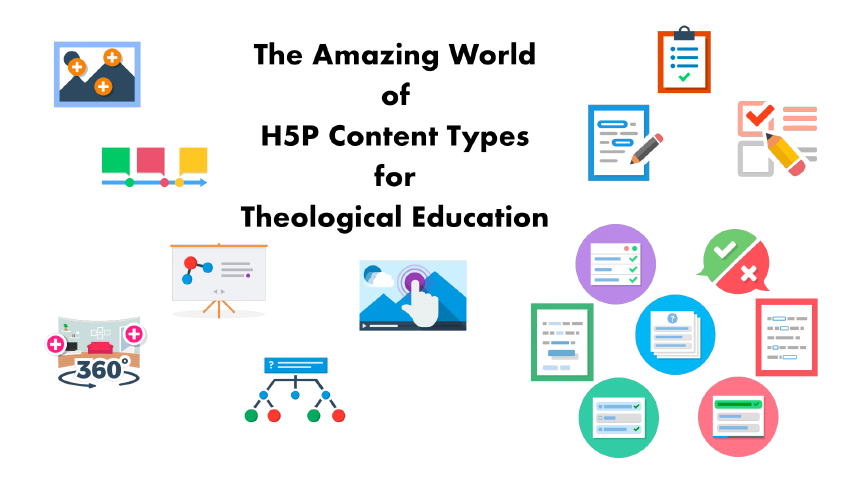
This is an Image Hotspots H5P showcasing the H5P content types that would work well with teaching in theological education.
How to Use Image Hotspots
H5P allows the image above to become interactive. Every plus sign is clickable and reveals information about the H5P content type represented by the icon. Click the back arrow on the right edge to close the description and return to the main image. For a more immersive experience, click the icon in the upper right corner to view in full-screen.
The content types covered in this H5P image hotspots are:
- Image hotspots
- Timeline
- Course presentation
- Virtual tour (360)
- Branching scenario
- Interactive video
- Documentation tool
- Essay
- Questionnaire
- Summary
- True/False question
- Drag the words
- Quiz (question set)
- Fill in the blanks
- Multiple choice
- Single choice set
H5P packages may be created, edited, and hosted on H5P.com or using the free plugin for WordPress, Moodle, or Drupal. Visit H5P.org to learn more.